Teaching AI agents to fill a whole form in one call
Browser agents fill forms like a nervous intern: screenshot, click, type, screenshot again. Here is the approach I built to read an app's code once and give the agent one skill per page, so a form takes one call instead of fifty.
Watch an AI agent fill a web form and it looks something like this. Take a screenshot. Find the name field. Click it. Type. Take another screenshot. Find the next field. Click. Type. Repeat thirty times.
Every one of those steps costs time and tokens, and every step is a chance to click the wrong thing. For a long form it can take minutes.
But the app's code already knows exactly what fields every form has, what they are called, and what values they accept. So why make the agent guess from pixels?
The idea: compile skills from the code
Instead of the agent discovering the form at runtime, a tool reads the app's source code ahead of time and writes one "skill" per page. A skill is a small instruction file plus a script that tells the agent exactly how to fill that page.
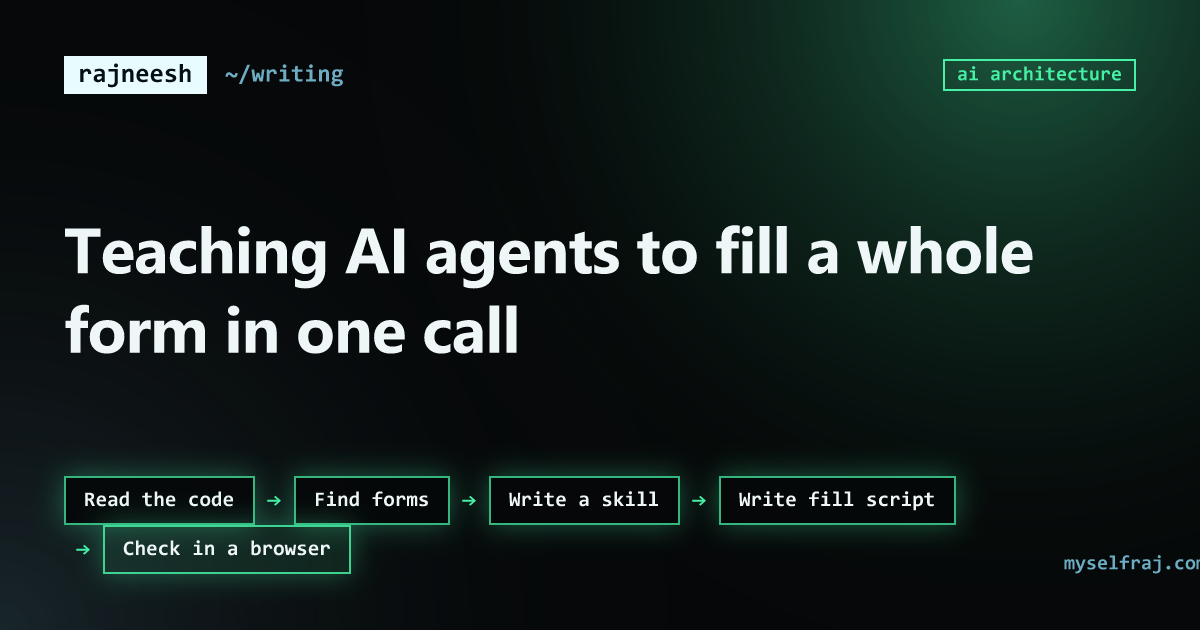
- Read the codeevery route
- Find formsfields, types, rules
- Write a skillone per page
- Write fill scriptsets all fields
- Check in a browserdoes it really work?
Step 1: find every route
First the tool walks through the project and finds every page the app has. In Next.js that means the folders under app/. In Laravel it is the routes file. In other frameworks it is the router config. The tool is built to understand different frameworks, so the same idea works across stacks.
Step 2: read the code behind each form
For every page, it reads the component that renders the form and pulls out:
- Every field and its name or id
- The type: text, email, date, select, checkbox
- The allowed options for selects and radios
- The rules: required, min and max, patterns
Step 3: write one skill per page
The result is a short file for each page, written for an agent to read:
# Skill: patient intake form (/forms/intake)

Fill this page with one call to scripts/fill.js.

Fields:
- fullName (text, required)
- dob (date, YYYY-MM-DD, required)
- bloodGroup (select: A+, A-, B+, B-, O+, O-, AB+, AB-)
- consent (checkbox, required)

Example:
node scripts/fill.js '{"fullName":"...","dob":"1990-04-12","bloodGroup":"O+","consent":true}'Step 4: one script fills everything
The fill script takes all the values as one JSON object and sets every field in a single browser call. It also fires the right input and change events, so frameworks like React notice the new values.
// runs inside the page, in one browser call
function fill(values) {
  const missing = [];
  const byName = (name) => `[name="${CSS.escape(name)}"]`;

  for (const [name, value] of Object.entries(values)) {
    const el = document.querySelector(byName(name)) ?? document.getElementById(name);
    if (!el) { missing.push(name); continue; }

    // checkboxes and radios: click, so React's onChange runs
    if (el.type === "checkbox") {
      if (el.checked !== Boolean(value)) el.click();
      continue;
    }
    if (el.type === "radio") {
      const option = document.querySelector(`${byName(name)}[value="${CSS.escape(String(value))}"]`);
      if (!option) missing.push(name);
      else if (!option.checked) option.click();
      continue;
    }

    // text, date, select...: the native setter, which React notices
    const proto = Object.getPrototypeOf(el);
    Object.getOwnPropertyDescriptor(proto, "value").set.call(el, value);
    el.dispatchEvent(new Event("input", { bubbles: true }));
    el.dispatchEvent(new Event("change", { bubbles: true }));
  }
  return { missing }; // the agent retries or reports these
}
Three details in there matter:
- The native setter. Setting
el.valuedirectly does not work on React-controlled inputs. React tracks the value itself and ignores the change. Calling the setter from the element's prototype, then firing aninputevent, makes React see it. - Click checkboxes, do not set them. React listens for clicks on checkboxes and radios. Setting
.checkedchanges the box on screen but not React's state, so the form submits the old value. - Escape the names. Field names like
user[email]or ids that start with a number break a normal CSS selector.CSS.escapemakes them safe to use in a lookup.
Step 5: check it in a real browser
Code can lie. A field might be renamed by a component library, or hidden until a checkbox is ticked. So the last step opens the page in a real browser, runs the script with test values, and checks that every field really got its value. Skills that fail this probe are flagged.
Before and after
Skills and MCP
This is part of a bigger idea I keep coming back to: teach the agent your software once, instead of making it figure everything out every time. Skills do this for web pages. MCP servers do it for tools. An MCP server gives an agent like Claude a clean set of actions, like "create a task in Notion", instead of making it click around the Notion website.
What I learned
- The source code is the best documentation an agent can get. Use it.
- Fewer, bigger actions are faster, cheaper and more reliable than many small ones.
- Always verify in a real browser. The code is the plan, the browser is the truth.
Agents do not have to be slow. Most of the slowness comes from making them rediscover things we already know.